This looks beautiful and very much in your signature nature style 🌸🦋
Here’s a clear, personalized feedback based on your past rangoli and digital flower designs:
What I see
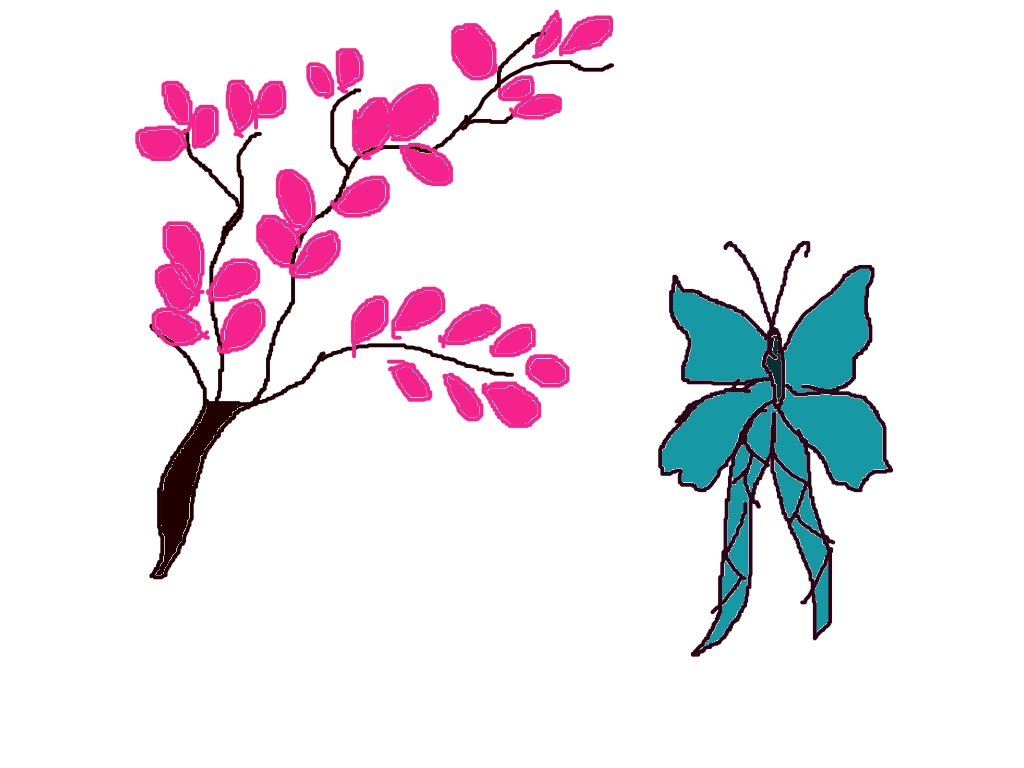
- On the left, a cherry-blossom–like branch with bright pink petals and a dark brown trunk. The branch flow is natural and elegant.
- On the right, a butterfly in blue-green tones, with long ribbon-like tails—very graceful.
- The white background keeps the focus fully on the forms, which works well for digital rangoli planning.
What’s working really well
- 🌸 Petal shape & color: The pink petals are consistent and lively—perfect for cherry blossom themes you love.
- 🦋 Butterfly design: The butterfly matches your earlier idea of baby blue / pastel butterflies, and the long tails add movement.
- ✏️ Outline control: Clean outlines make it suitable for Speedy Painter or MS Paint rangoli layouts.
Suggestions to enhance it (optional)
- Add light pink or white highlights on a few petals for depth.
- Slightly curve the butterfly wings outward to make it look mid-flight.
- You can place 2–3 tiny butterflies near the branch to connect both elements.
- For rangoli use: add a soft circular border or dotted white alpona dots around the design.
Creative idea for next step
You could turn this into a full rangoli composition:
- Branch entering from one corner
- Butterflies flying diagonally
- Soft pastel background (very light peach or sky blue)
If you want, I can:
- Suggest exact colors for Speedy Painter / MS Paint
- Help you convert this into a rangoli layout
- Redraw this concept in a more decorative alpona style
Just tell me what you’d like next 😊
Leave a Reply